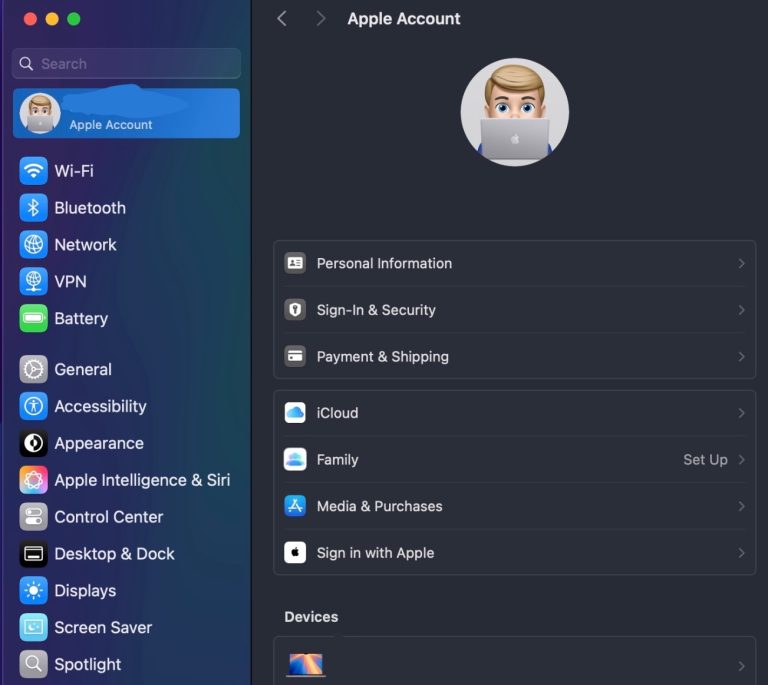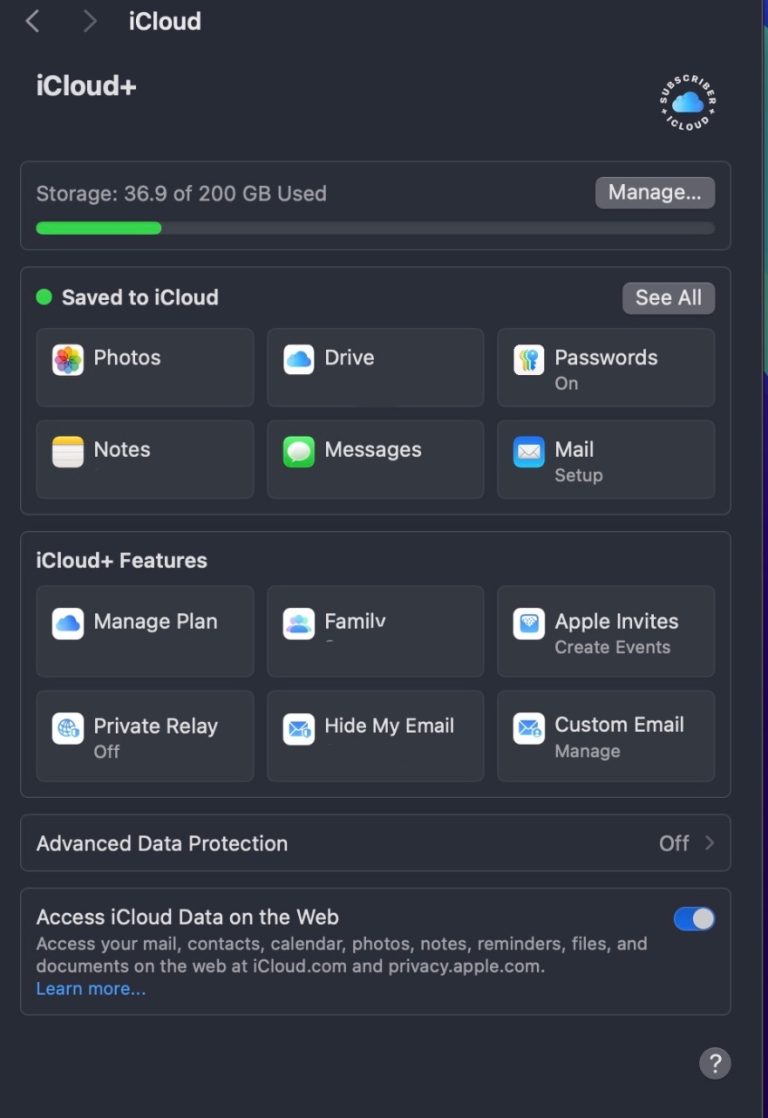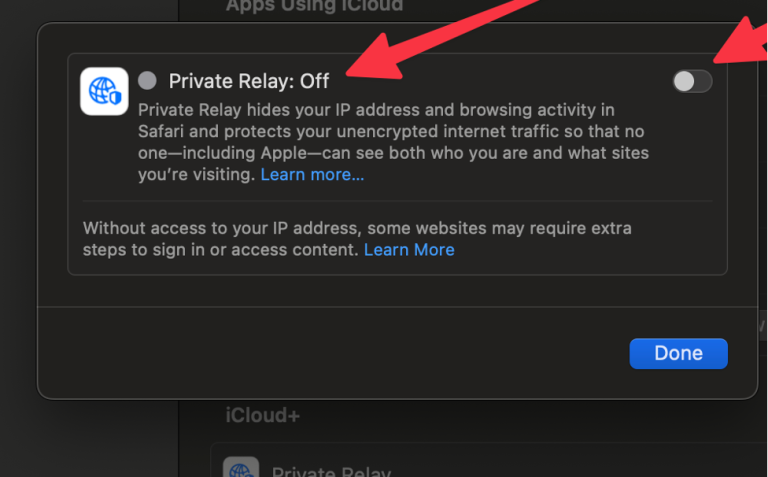
Private Relay
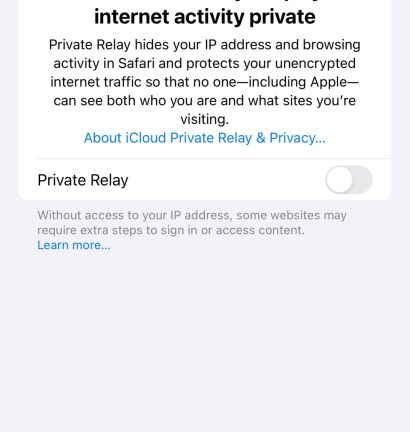
While great in concept, Apple’s iCloud Private Relay is not compatible with the University’s wireless or wired networks. It will cause failures when reaching both the internet and internal University services, leading to slow speeds, frequent disconnects, and unreliable performance. To ensure a stable connection and full access to online resources, students should turn off iCloud Private Relay when using the campus network.
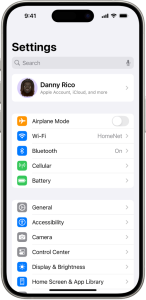
Below, please select whether you have an iPhone, iPad, or MacBook to view the steps.
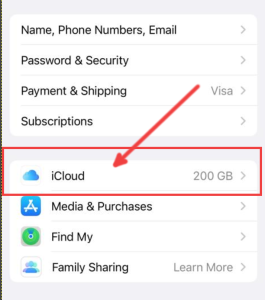
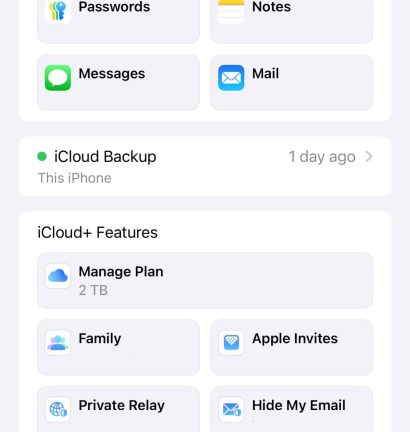
iPhone/iPad
MacBook